First with Android 15
Deep Android 15 integration for broader game compatibility, with Android 12 instances available alongside it.
Trusted by 10M+ users
First with Android 15. Built for peak performance. High FPS up to 480, 4K visuals, unlimited multi-instance, and smart keyboard mapping.
V5.22.2 | 5.06 MB EXE | Free for Windows | SHA256 published on the download page
Key features
Deep Android 15 integration for broader game compatibility, with Android 12 instances available alongside it.
Windows, macOS, and Windows ARM. Play the same mobile catalog from one product family.
About 3-second launch targets, faster game loading claims, and GPU acceleration for smoother average FPS.
High FPS mode with settings up to 240 FPS, plus marketing peak scenarios up to 480 FPS and 4K output on capable PCs.
Press F12 for keyboard and mouse schemes. Mainstream joysticks and Mac trackpad gestures are supported.
Run many Android devices at once with sync ops so the same actions fire across accounts.
In action
Enjoy broader game compatibility with deep Android 15 integration for a true native Android experience.
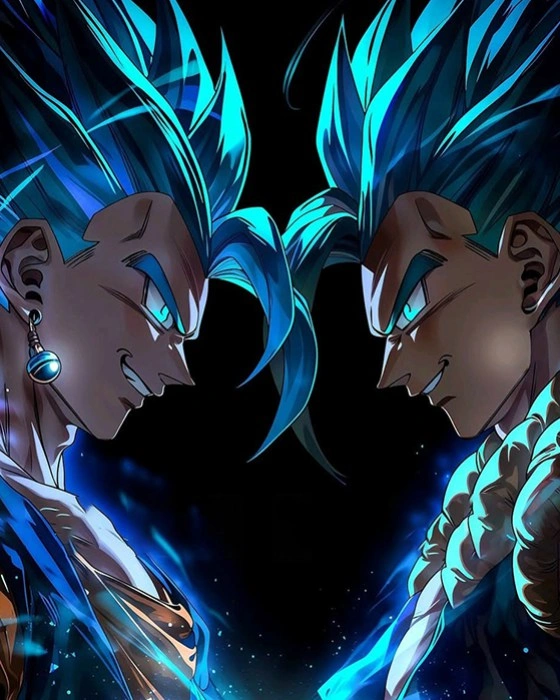
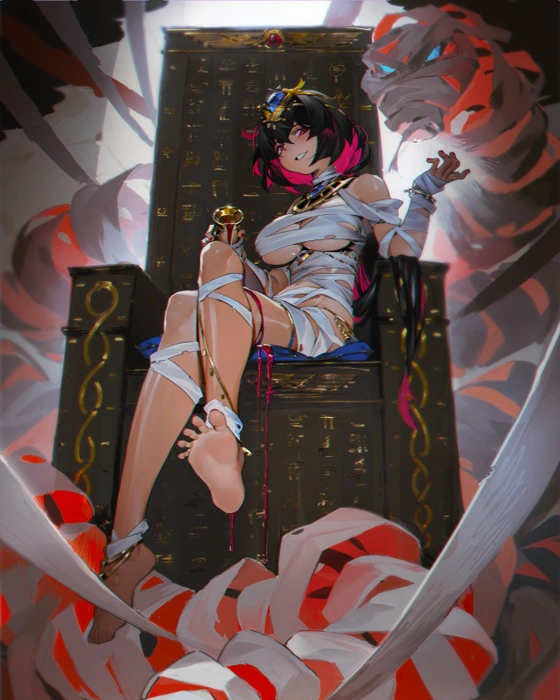
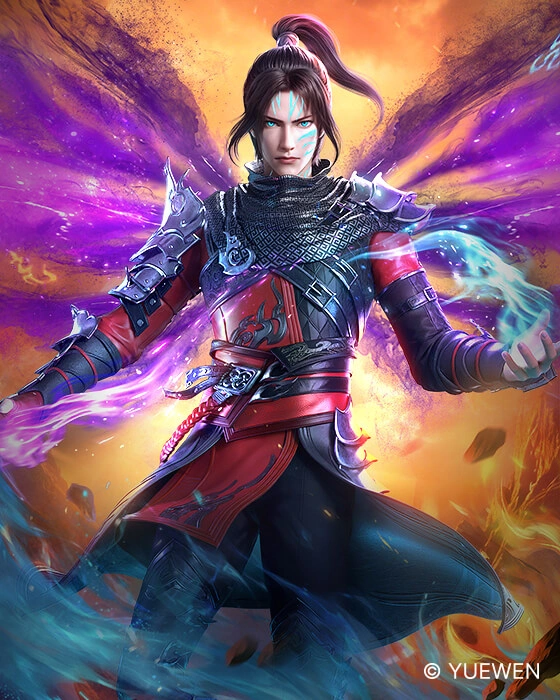
Numerous popular games run smoothly on MuMuPlayer
Publisher trademarks belong to their owners. Art from MuMuPlayer game catalog assets.
Product overview
MuMuPlayer is a NetEase Android emulator for mobile games and apps on PC and Mac. The Windows build highlights Android 15, Vulkan rendering, sync multi-instance, virtual location (V5.22.2), and developer ADB tools.
Get the latest gaming news, guides, redeem codes, and product events
Adapted from public MuMuPlayer comments. Hover the strip to pause.
"PUBG-style sessions on Mac stayed playable after a straightforward setup."
"High-res titles stay usable. VT setup could be louder on first install, but once enabled it behaves."
"Blue Archive FPS held around 25 to 35 instead of collapsing after the data download."
"M1 MacBook handled Genshin Impact without the stutter I got elsewhere."
"This is the emulator that actually launched my game without a black screen loop."
"Pokemon TCG Pocket install was one click and online matchmaking connected."
Yes. Windows is free. macOS offers a 7-day trial on new devices, then subscription options.
Yes with VT enabled and Hyper-V / Core Isolation handled. See the Hyper-V guide after major Windows updates.
Virtualization drivers often trip heuristics. Verify SHA256, then add an exclusion for a known-good build.
5.06 MB EXE | Free for Windows | Check SHA256 after download